Introduction
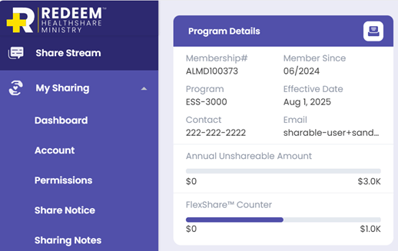
As a member of REDEEM® HealthShare, you can find details about your current membership, like your program selection, effective date, Annual Unshareable Amount (AUA), and FlexShare™ (if you added that option to your membership).
Procedure
To find your membership and program details, follow these steps:
- Log in to the Member Center.
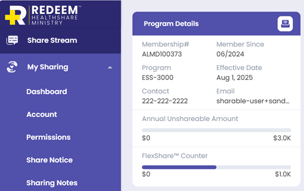
- In the navigation menu, click Sharing. Your household’s Program Details card displays to the right of the navigation menu.
- If you would like to take a screen shot of or print your membership card, click the printer icon
 shown on the Program Details card.
Note: Your membership card includes the information your doctor or pharmacy requires and the contact information for Telehealth.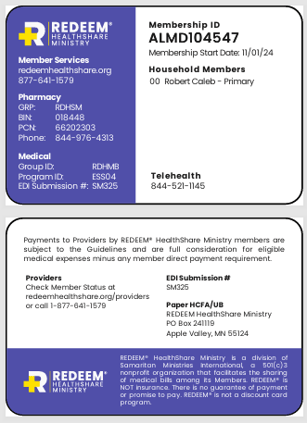
 shown on the Program Details card.